


Seamless Success: A Guide to Effortlessly Onboarding with Zybra
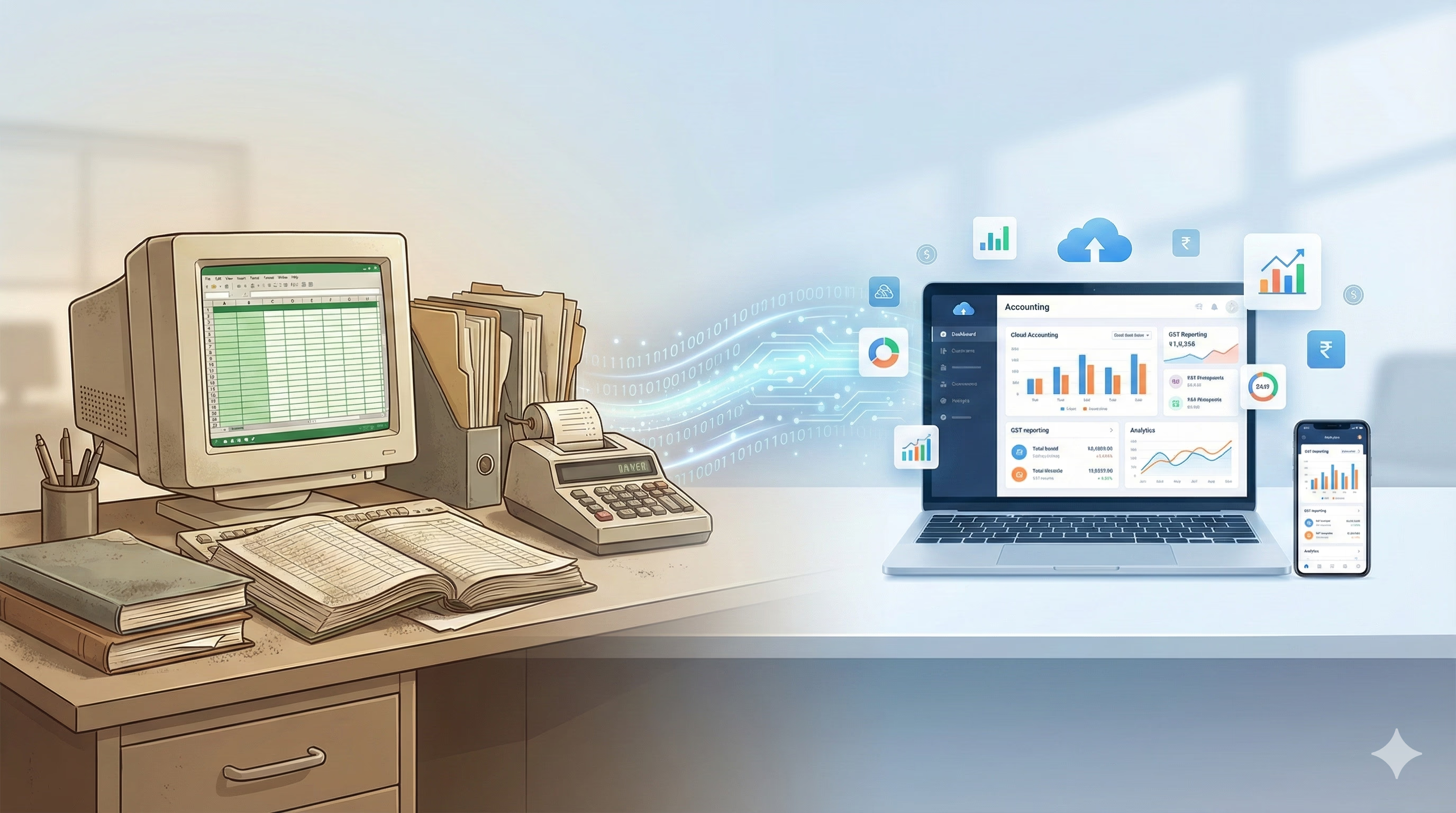
Transitioning your business from traditional red-bound "bahi-khata" ledgers or siloed desktop software to a modern digital system is no longer just a luxury—it is a regulatory necessity in India's rapidly digitizing economy.
At Zybra, we have engineered an onboarding process that is as intuitive as it is powerful. Here is your step-by-step roadmap to transforming your business operations and achieving "anytime, anywhere" financial freedom.
Step 1: Pre-Migration Preparation
Before diving into the software, a little preparation ensures a smooth Go-Live date. Ideally, start at the beginning of a financial year (April 1st) or a new GST quarter. Physically verify your stock levels and ensure you have the correct GSTINs for all your customers and vendors. Ensure your bank and cash balances are updated as of your chosen cut-off date.
Step 2: Migrating from Legacy Systems (Tally to Zybra)
If you are moving from Tally, Zybra makes the transition seamless by allowing you to import your Masters (Ledgers, Items, and Parties) directly. Export your data as an XML (Data Interchange) file by selecting All Masters in Tally. Navigate to Settings > Data Import in Zybra and upload your XML file. Zybra’s engine automatically maps Tally groups (like Sundry Debtors) to Zybra categories, though you can manually review any unmapped items.
Step 3: Setting Up Your Organization Profile
Once your data is in, personalize your account to automate your compliance. Enter your GSTIN and registration date. Zybra can fetch business details directly from the GST portal, ensuring 100% accuracy. Upload your company logo and digital signature so you can generate fully authorized invoices without ever needing a printer. Associate HSN codes with your items during setup. This allows Zybra to automatically apply the correct tax rates (0% to 28%) during billing.
Step 4: Multi-User & Team Collaboration
Cloud accounting liberates you from your desk and allows your team to work together in real-time. Invite your staff and your Chartered Accountant (CA). Assign specific roles, such as Sales Only access, to ensure staff can generate bills while sensitive data like Profit & Loss (P&L) statements remains restricted to owners.
Step 5: Master Your New Dashboard
With onboarding complete, you can now leverage Zybra's advanced features to drive growth. Generate e-way bills and unique Invoice Reference Numbers (IRNs) directly from your invoicing screen. Sync your bank statements to let Zybra’s algorithms intelligently match transactions to open invoices. Track stock across multiple godowns and use Batch Management with FEFO (First-Expired-First-Out) logic to reduce wastage.
Frequently Asked Questions (FAQs)
Is it safe to move my traditional books to the cloud?
Yes. Unlike desktop software, where data is siloed and vulnerable to hardware failure, Zybra’s cloud paradigm secures your data and makes it accessible only to authorized users.
What if I have a turnover of more than ₹10 Crore?
Zybra is fully equipped for the 2025/2026 mandates, including the 30-day reporting rule for e-invoicing, ensuring you avoid penalties for late reporting.
How do I handle small daily expenses like staff tea or travel?
Use the Zybra Receipts Manager App. Simply take a photo of the receipt, and our AI will extract the data and post it to your ledger automatically.
Ready to simplify your accounting & GST?
Join 25,000+ businesses across India using Zybra.
Start free with Zybra